Nova Minimal
v1.2.0A dark, editorial portfolio with expressive typography, quiet motion, and generous space for your story.
- Dark mode
- Animations
- Custom colors
Portfolio builder for engineers
Pick one of twelve animated, single-page templates. Add your details or import your CV, watch it come together live, and publish in minutes. The code is yours to download.
Each one is a complete single-page site with its own type, layout, and motion. Open any of them as a live demo.
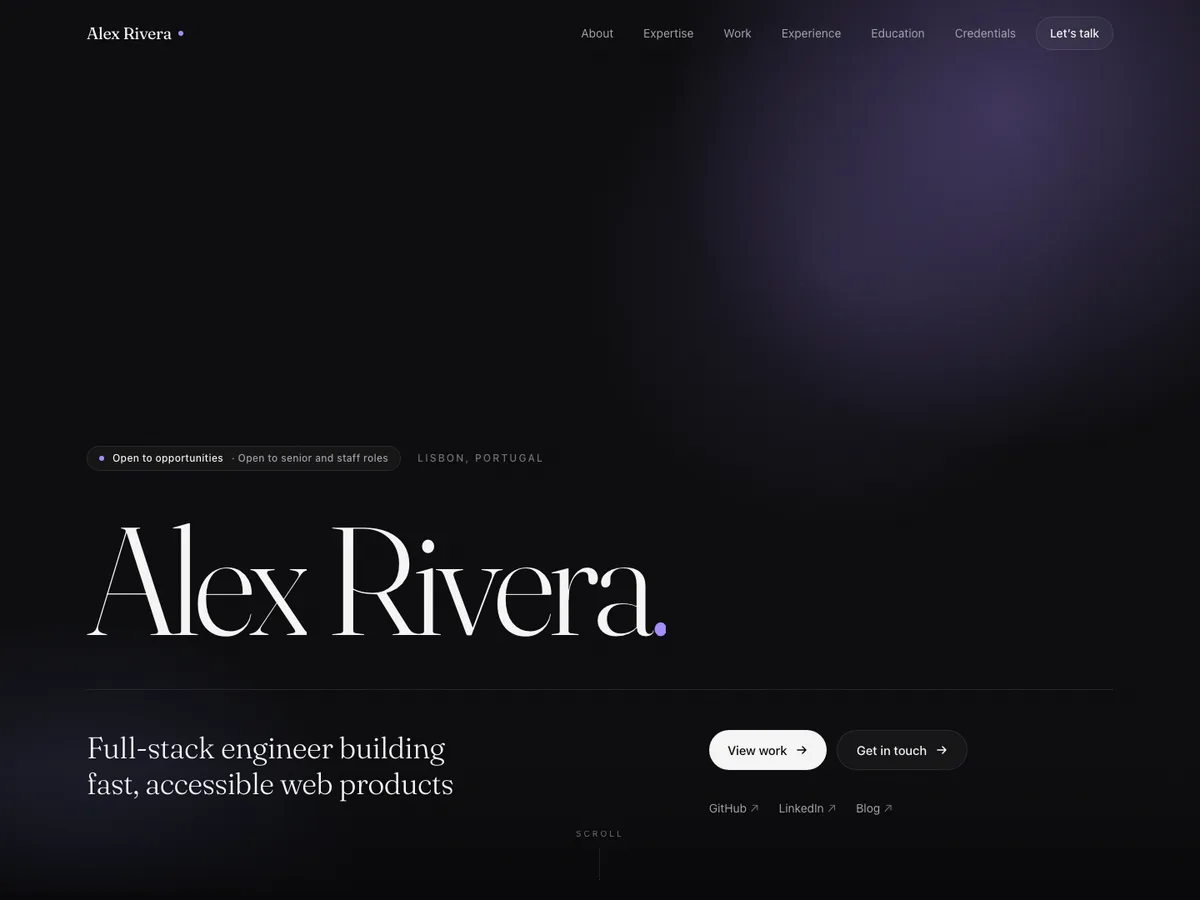
Nova Minimalfor engineers
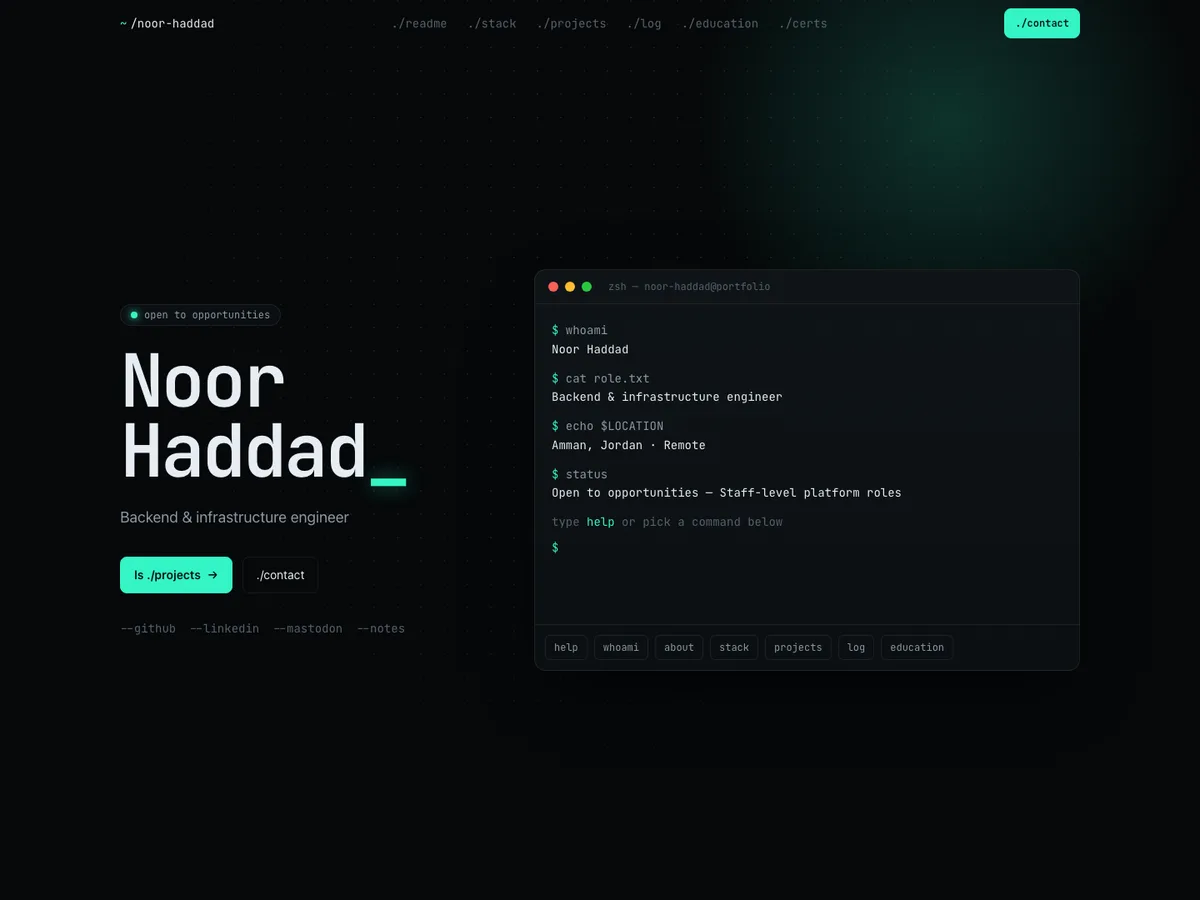
Vertex Developerfor developers
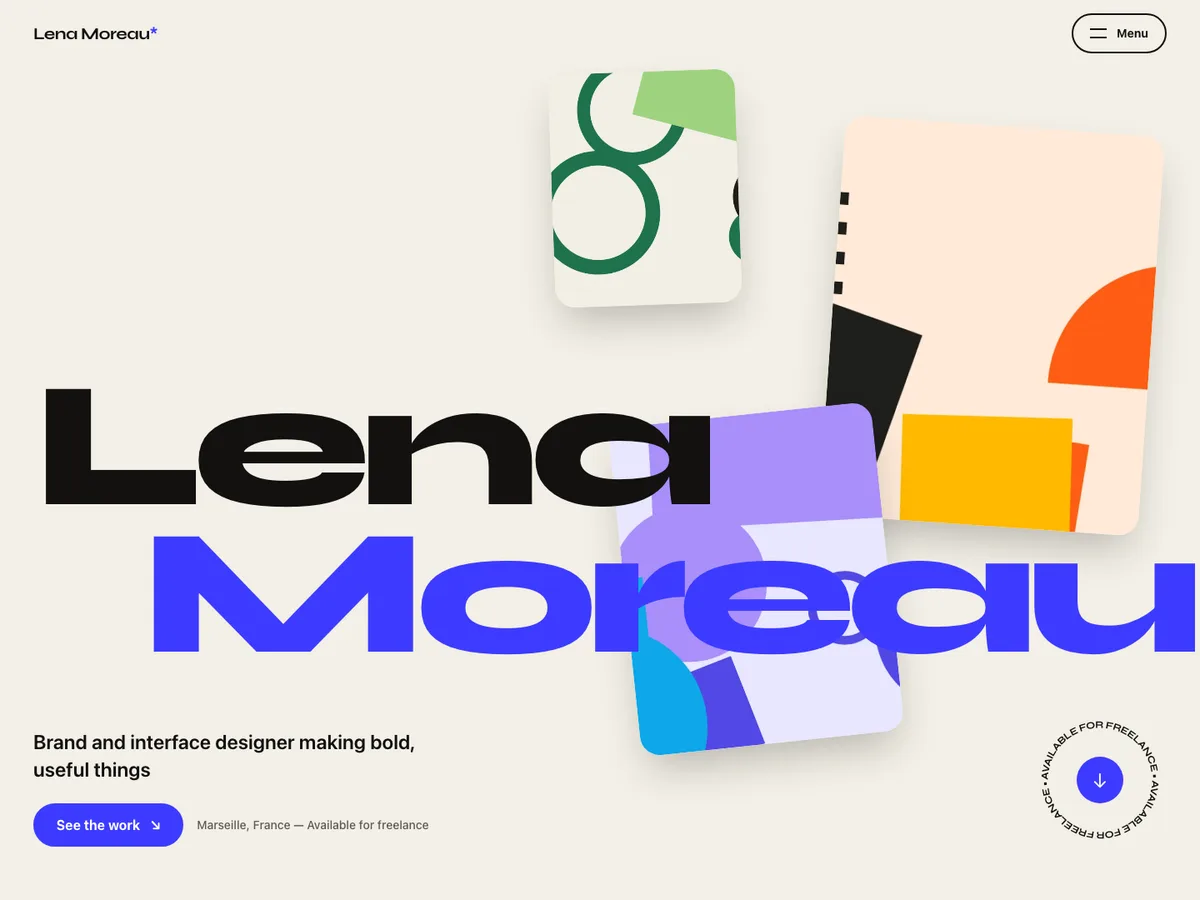
Orbit Creativefor designers
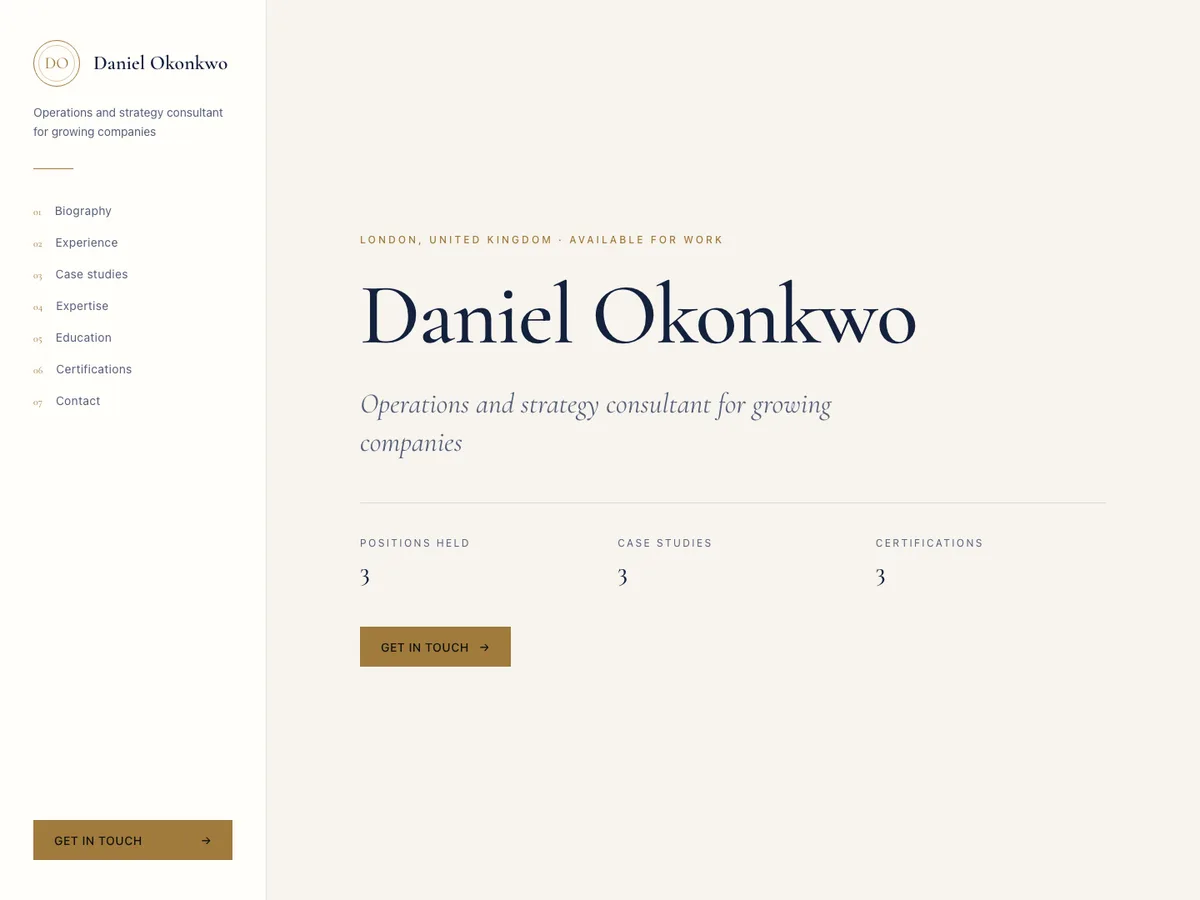
Atlas Professionalfor consultants
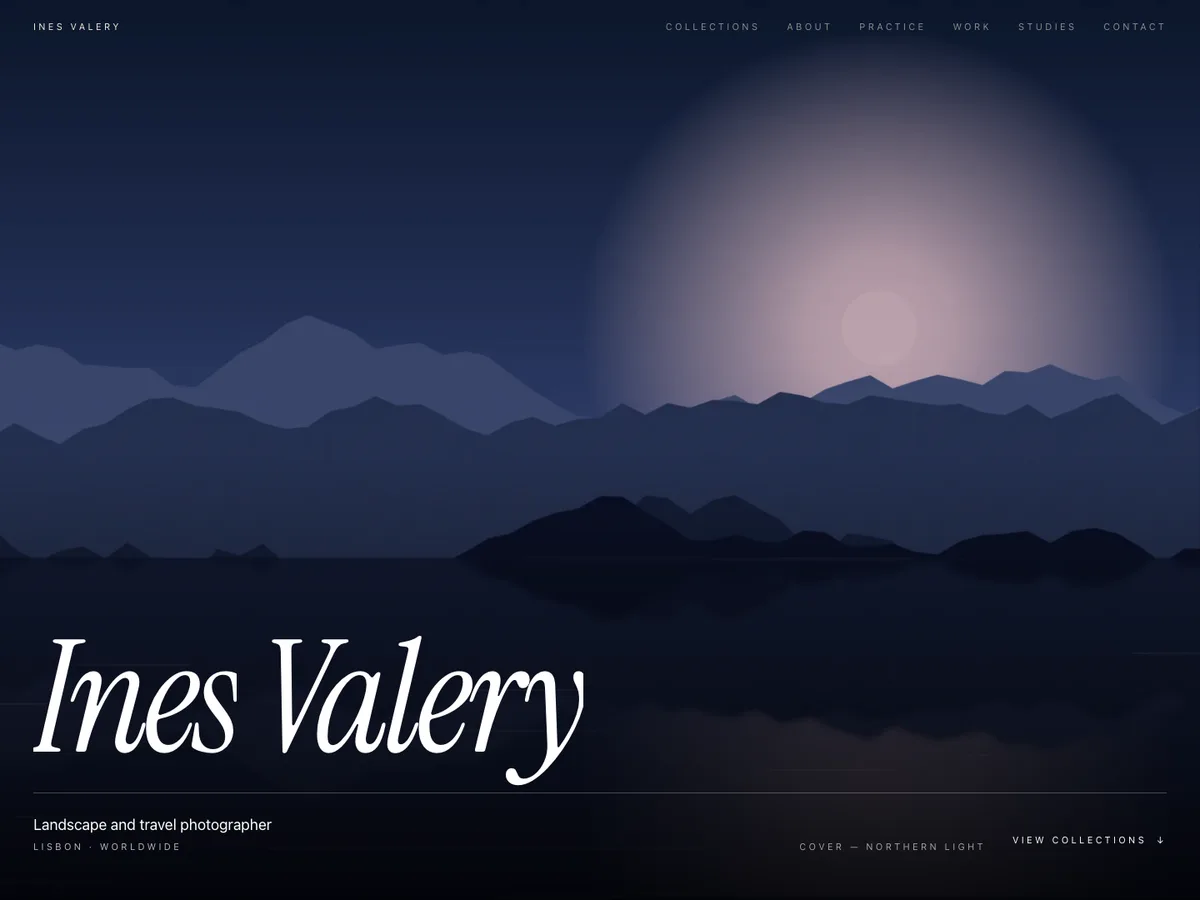
Frame Studiofor photographers
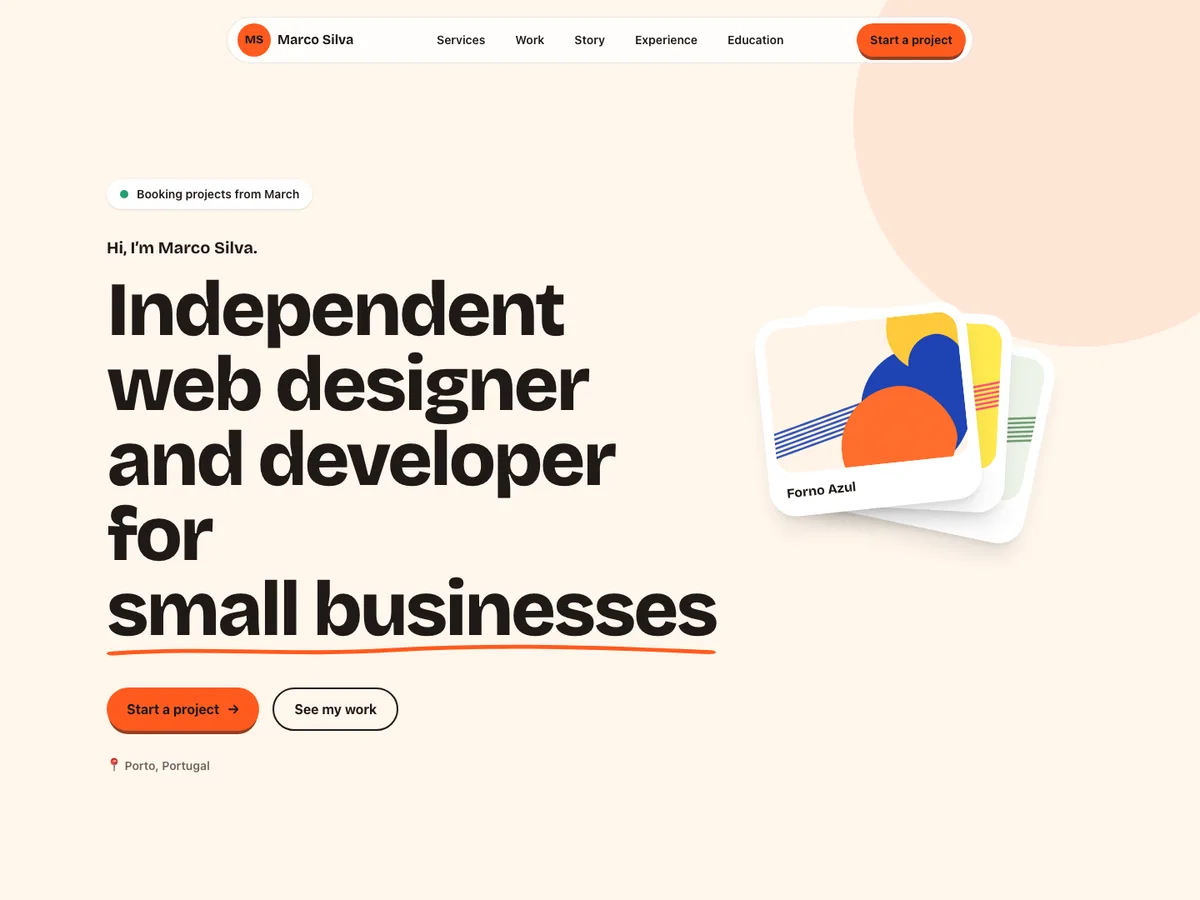
Pulse Freelancerfor freelancers
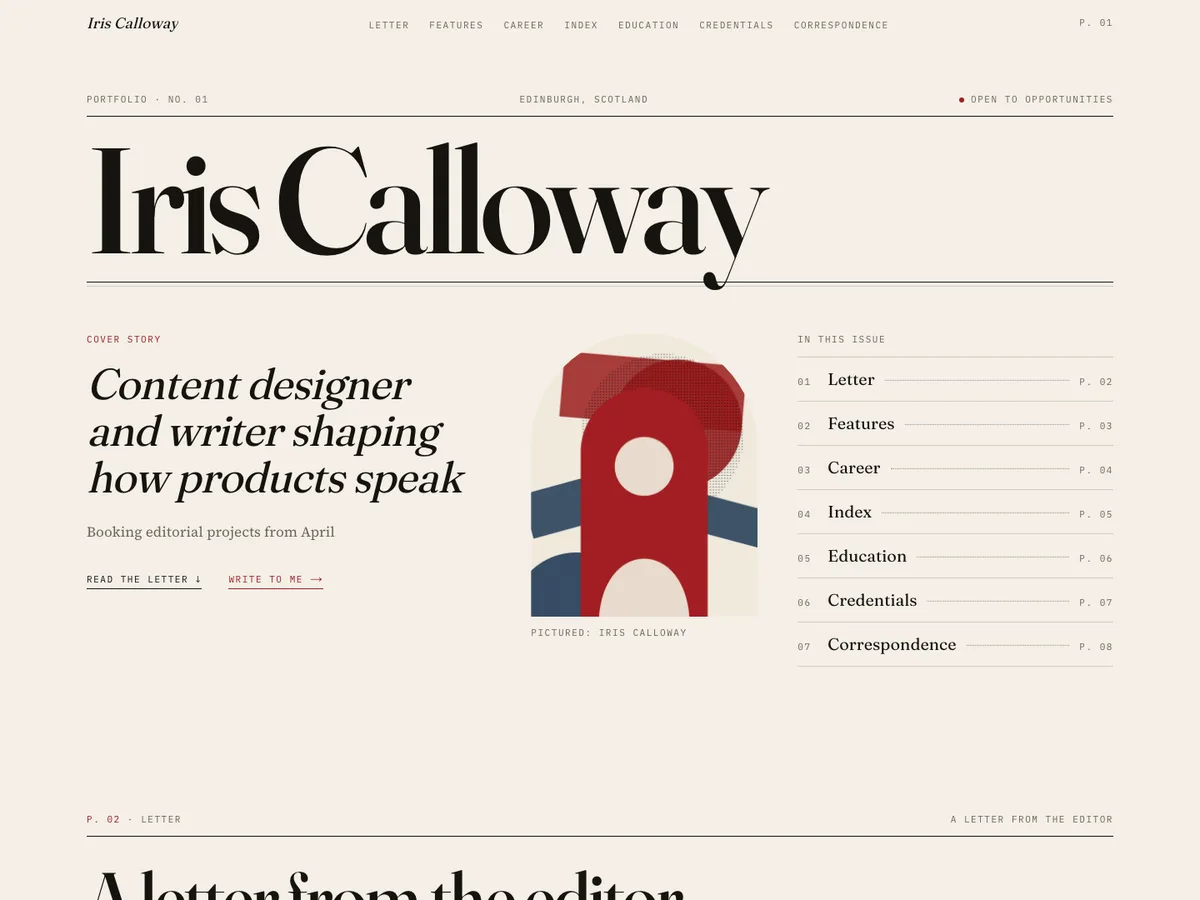
Lumen Editorialfor writers
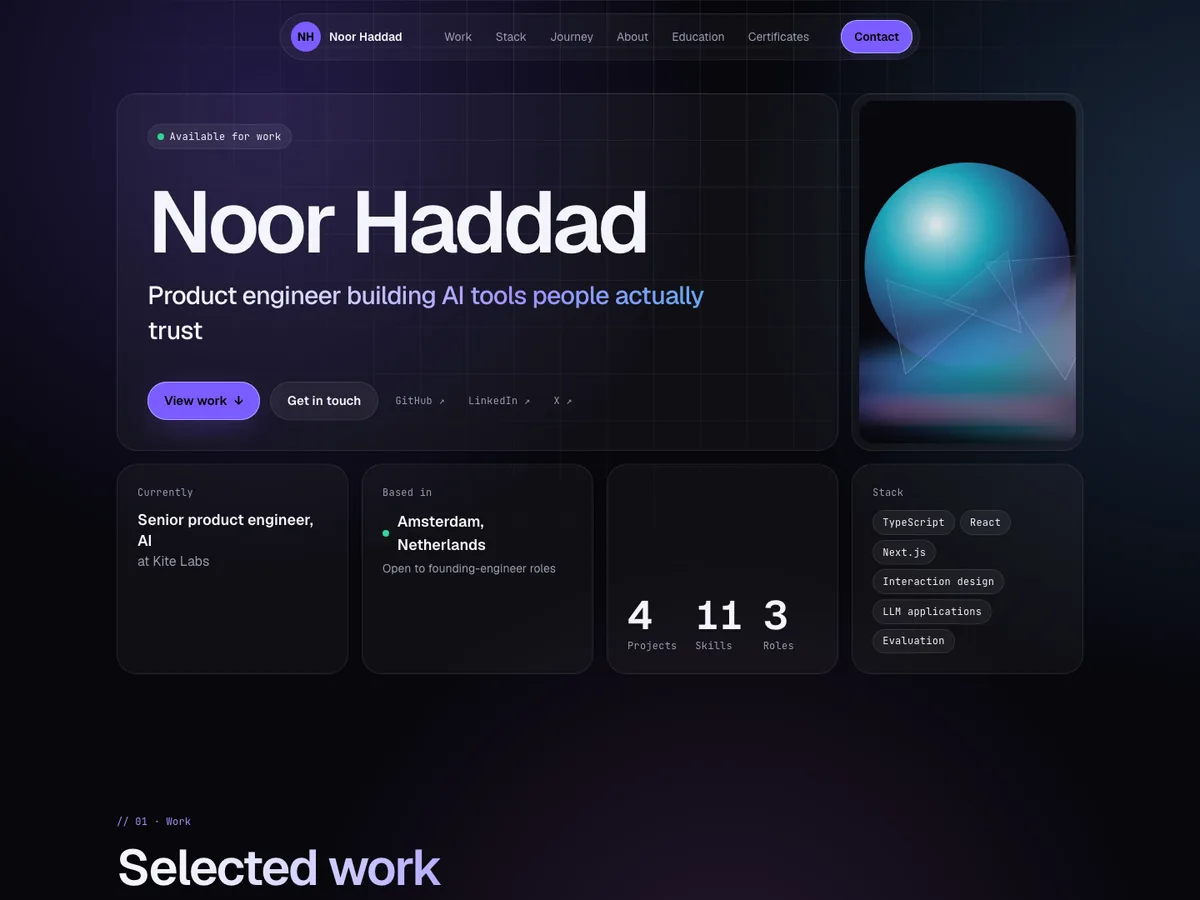
Prism Bentofor product engineers
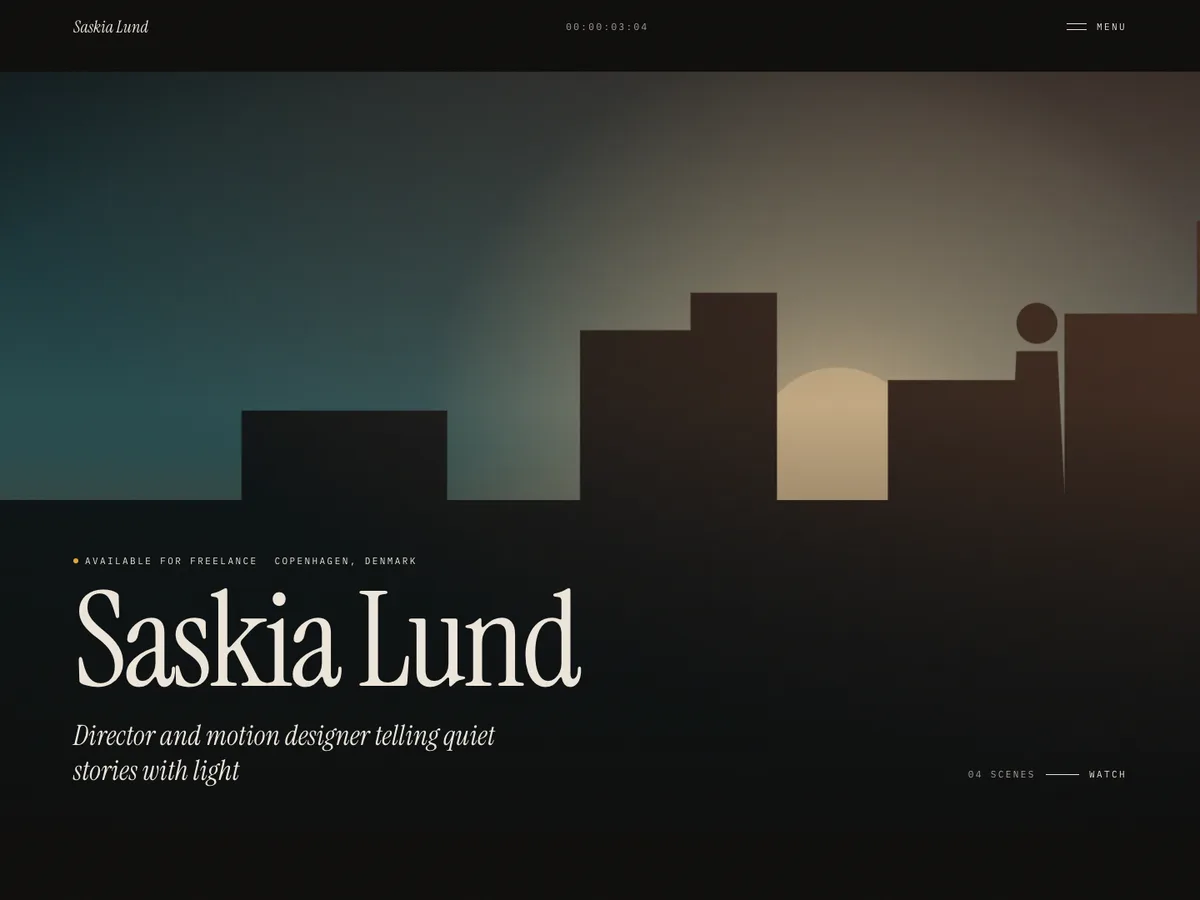
Noir Cinemafor filmmakers
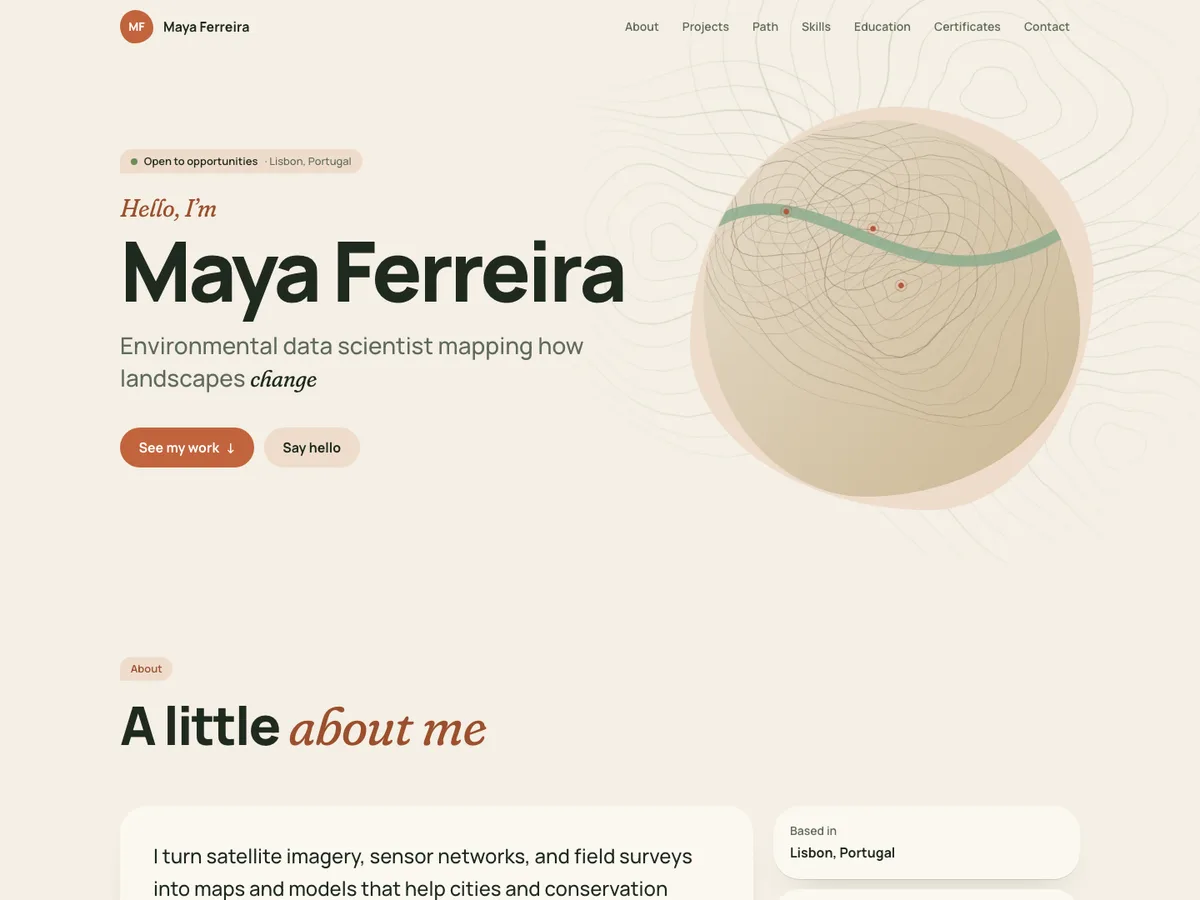
Terra Organicfor researchers
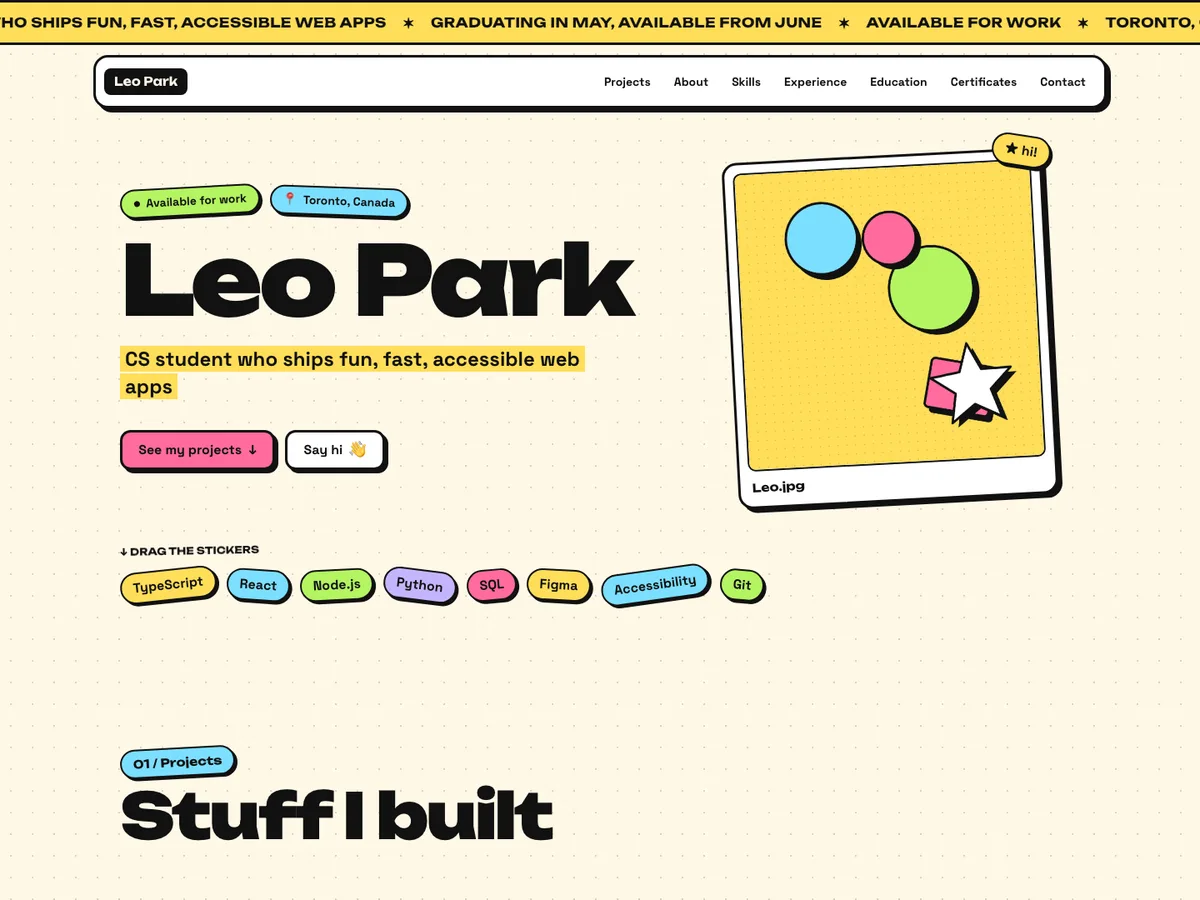
Brut Stickerfor students
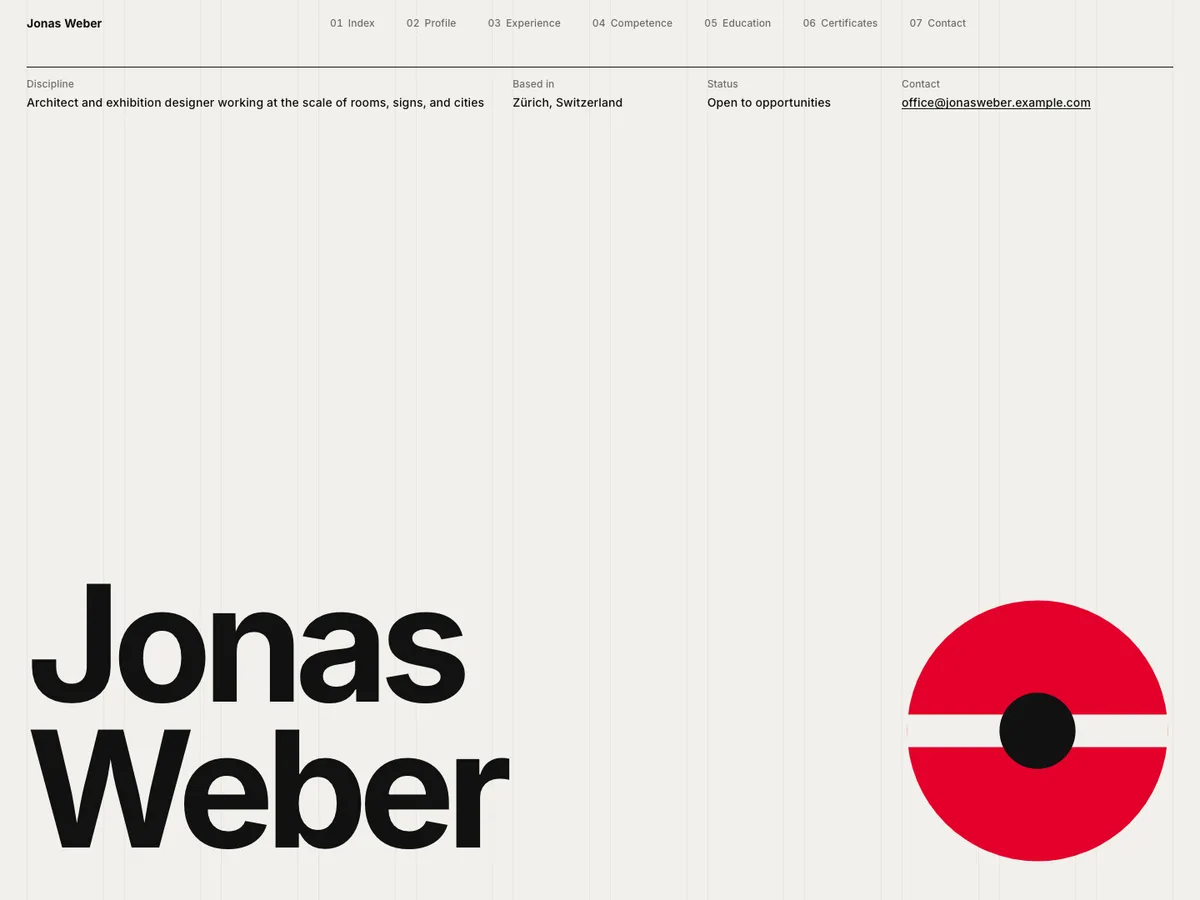
Swiss Indexfor architects
How it works
No code, no design skills, no lock-in.
Open any template as a live demo with sample content and real animations, then pick the one that fits your work.
Fill in your details or import your CV. Every change appears instantly in a live preview on phone, tablet, and desktop.
Go live at your own link in one click, or download a standalone Next.js project with your content included.
The library
Every template is responsive, animated, and ready to export. Preview each one with sample content before you choose.
A dark, editorial portfolio with expressive typography, quiet motion, and generous space for your story.
A dark, technical portfolio for engineers: an interactive terminal hero, stack visualization, repository cards, and a git-log timeline.
Bold editorial type, expressive color, and an asymmetric gallery whose projects open into full-screen case views. For designers and artists.
Why Portify
Portify handles the parts between “I need a portfolio” and a site you’re proud to share.
Every change appears instantly in a real preview of your template. Drafts save automatically, and nothing goes public until you publish.
Import a PDF or Word CV. You review every detail before anything is added, and the file isn’t stored.
Each template is built and tested at phone, tablet, and desktop sizes, so your work looks right wherever it’s opened.
Templates animate with purpose, and switch to calm, static layouts for visitors who prefer reduced motion.
Two ways to go live
Get a website on your own Vercel account with a separate public address.
A standalone Next.js project with your template, content, and images. Host it anywhere; it doesn’t need a Portify account to run.
Questions
Choose a template, add your details by hand or import your CV, and publish. You can preview your site on desktop, tablet, and mobile before anyone sees it.
Yes, publishing your portfolio on a Portify link is free for everyone. You can update it whenever your work changes.
No. You fill in your content in the editor and the template handles the layout, animation, and responsive design for you.
Yes. You can export your portfolio as a source code project and host or change it however you like.
Approved beta testers can deploy an independent website to their own Vercel account, with a separate vercel.app address that belongs to them.
Anyone who wants to show their work online, including developers, designers, photographers, freelancers, and students.
Pick a template, add your story, and share a portfolio that feels like you.